



Hot Games








Live Cards










Popular Games











The same caution applies to mobile access. A Fairplay Club login app should be installed only after its source, publisher and connection with the relevant account have been verified. Users should not assume that every application or website using the Fairplay name accepts the same account details.
For users in India, mobile numbers are often connected with several services, including banking, payment applications and email recovery. Protecting the registered SIM card, verification messages and account password is therefore an essential part of Fairplay account security.
This guide explains how to examine a login page, create a stronger password, use a password manager and respond to suspicious account activity. It does not confirm that every Fairplay Club website or application has the same design, login method or security functions.
Checking the Fairplay Club Login Page Before Entering Data
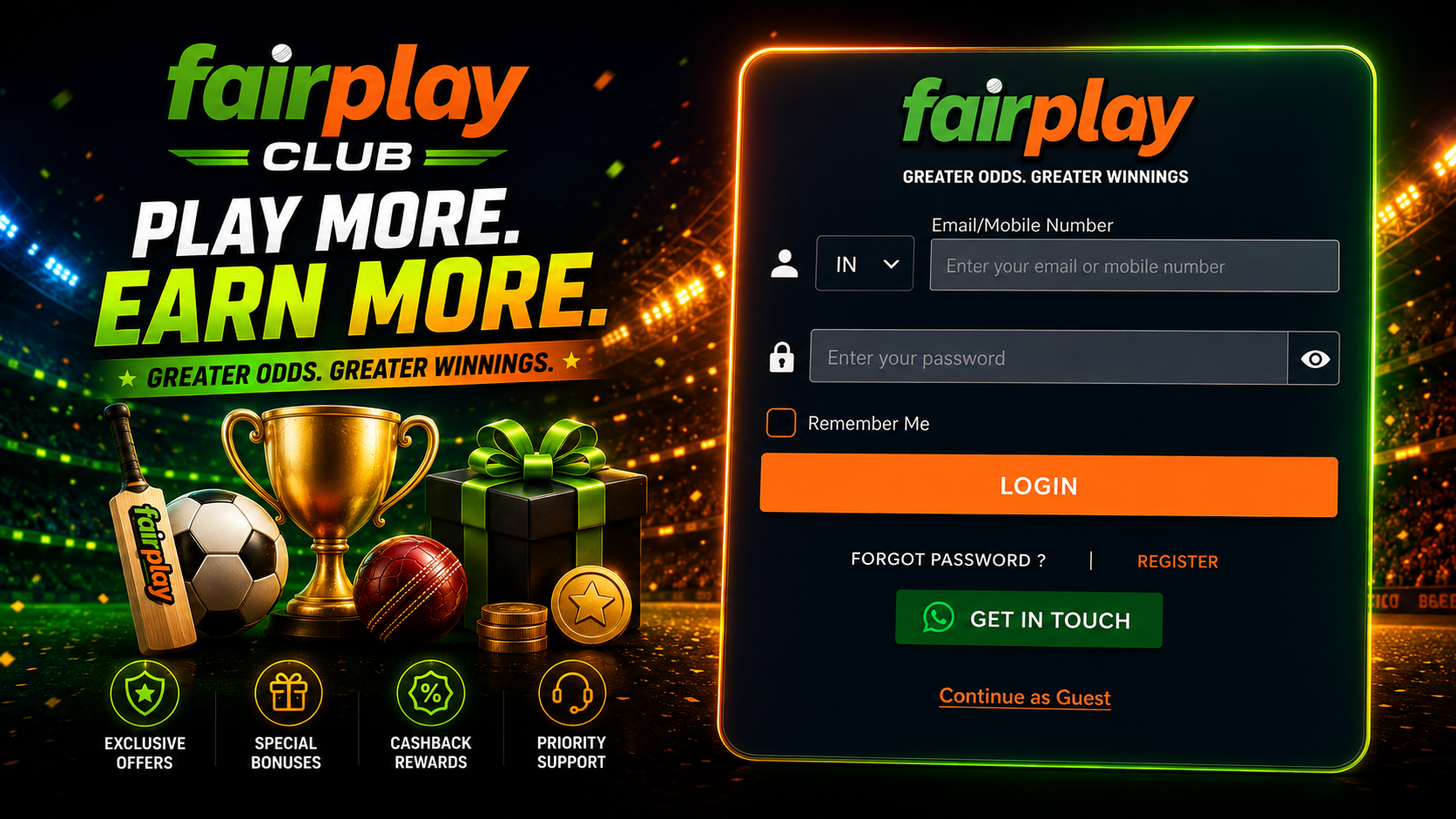
A login page should be checked before any phone number, username or password is submitted. The safest method is to review the address, page structure and source of the link in a fixed order.
Use the following checklist:
- Read the complete domain name from left to right.
- Check for extra letters, numbers or symbols.
- Confirm that the expected page structure is present.
- Look for a protected connection in the browser.
- Review how the link was received.
- Avoid opening a login form from an unknown message.
- Compare the page with a previously verified account page.
- Stop if the page requests unusual information.
A protected browser connection is important because it helps secure information during transmission. However, the presence of a lock symbol alone does not prove that the page is genuine. Unrelated or deceptive websites can also use encrypted connections.
The page should also be inspected for unexpected requests. A normal login form may ask for a registered phone number, username, password or verification code. It should not automatically require complete banking credentials, payment card PINs or remote access to the device.
| Login page element | What to examine | Warning sign |
| Domain name | Exact spelling and domain ending | Extra characters or substituted letters |
| Connection | Browser security indicator | Connection warning or certificate error |
| Login fields | Information normally used for access | Request for unrelated financial details |
| Page design | Consistent navigation and account structure | Missing menus or broken elements |
| Link source | Verified bookmark or trusted account channel | Unsolicited social media message |
| Support contact | Details connected with the same platform | Request to move immediately to a private chat |
A user who regularly accesses the account can save the verified page as a browser bookmark. This reduces the need to search for the Fairplay Club login page each time.
Lookalike Domains and Similar Brand Names
Lookalike domains are designed to resemble a familiar website address. The difference may be small enough to miss during a quick check, especially on a mobile screen.
Common variations may include:
- An additional number
- A misplaced hyphen
- A repeated letter
- A different domain ending
- A letter replaced with a similar character
- An extra word before or after the brand name
- A shortened address that hides the final destination
A phrase such as Fairplay Club 1 may appear in search results, informal discussions or page names. This phrase does not prove that a separate official version, backup account page or safe mirror exists.
A different domain should not automatically be described as fraudulent because some platforms may operate more than one verified address. Ownership must be confirmed through reliable information connected with the intended Fairplay service.
Until that confirmation is available, users should not enter the phone number, password or verification code used for the main account.
The following comparison shows why visual similarity is not enough:
| Address feature | Possible legitimate explanation | Security concern |
| Additional word | Regional or product section | Unrelated website copying the brand |
| Number in the name | Internal product label | Lookalike domain |
| Different domain zone | Regional website | Unverified ownership |
| Hyphenated spelling | Alternative registered address | Typo based imitation |
| Shortened link | Marketing or tracking link | Hidden final destination |
The correct decision depends on verification, not on whether the address looks professional.
Why Search Advertising Does Not Prove Ownership
A search result can appear at the top of the page because it is an advertisement. Paid placement does not confirm that the advertiser owns the brand name shown in the text.
Users should not proceed to a Fairplay Club login form only because:
- The result appears first.
- It contains the word Fairplay.
- The advertisement uses a familiar logo.
- The description promises quick access.
- The page mentions mobile login.
- The result claims to be an official mirror.
Search engines can separate advertisements from ordinary results, but the label may be small. On mobile devices, the difference can be easy to overlook.
A safer approach is to open a previously saved bookmark, use an address confirmed during account registration or contact support through a verified channel. Search results can help locate information, but they should not replace domain verification.
Creating a Strong Fairplay Club Password
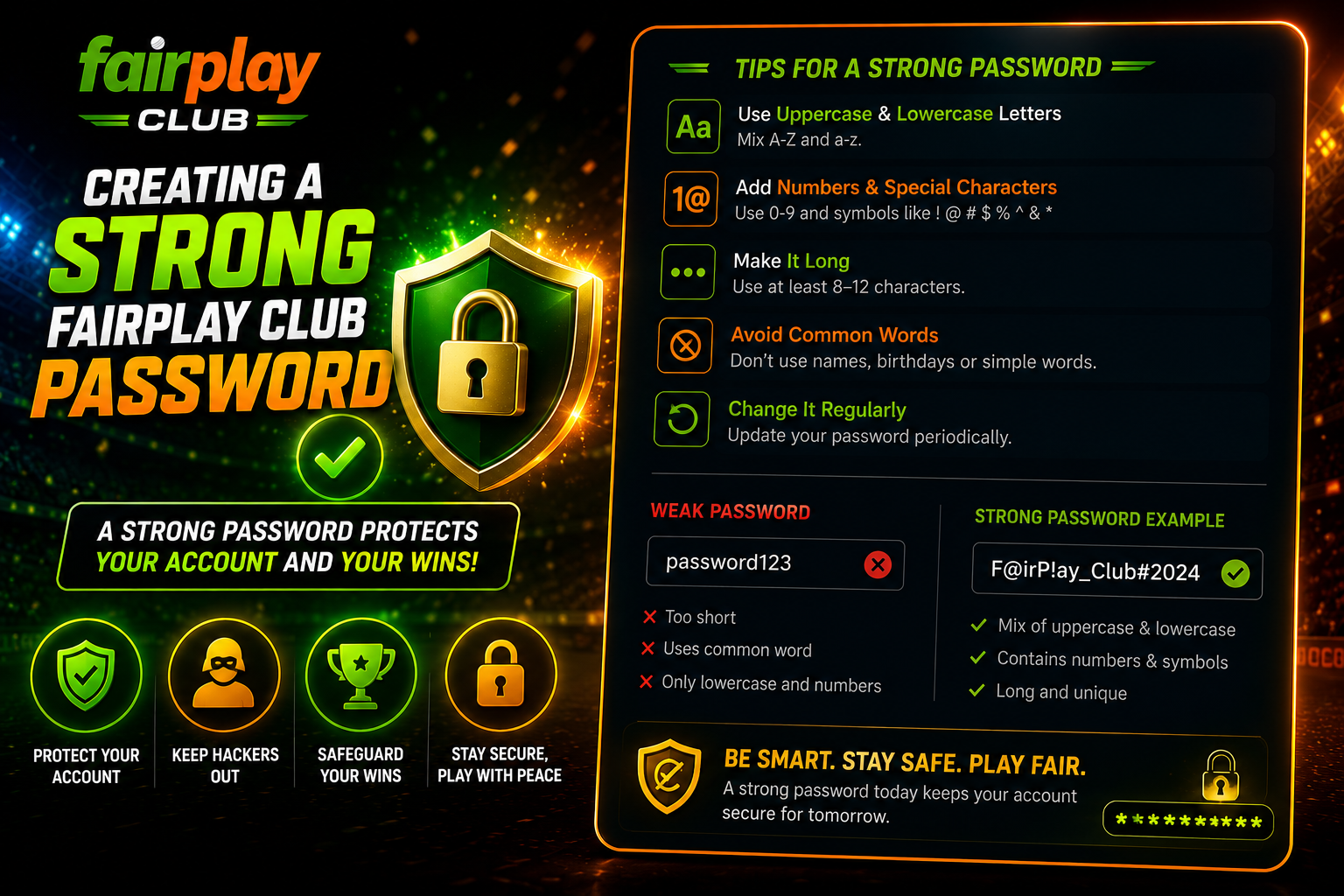
A Fairplay Club password should be long, unique and difficult to guess. It should not match passwords used for email, banking services, social media or payment applications.
Reusing a password creates a chain of risk. If another website suffers a security incident, attackers may test the same email address, mobile number and password on unrelated services.
A stronger password usually has several characteristics:
- It is used only for one account.
- It contains enough characters to resist guessing.
- It does not include a name, birthday or phone number.
- It avoids common sequences and repeated words.
- It is not shared with another person.
- It is stored securely.
- It is changed after suspected exposure.
There is no need to invent mandatory Fairplay password requirements. The active registration or password change screen should show which characters, length or format the platform accepts.
A long passphrase can be easier to remember than a short complex string. Several unrelated words can create a stronger result when the platform allows them. The exact phrase should remain private and should not be based on information visible on social media.
Using a Password Manager
A trusted password manager can generate and store unique passwords. This reduces the need to reuse one memorable password across many accounts.
A password manager may help with:
- Creating long random passwords
- Saving login details securely
- Warning about reused passwords
- Filling credentials only on the saved domain
- Keeping passwords available across approved devices
- Updating stored details after a password change
Fairplay should not be described as recommending or integrating a particular password manager unless the platform confirms this directly. The choice belongs to the user.
The password manager itself also needs protection. Its main password should be unique and should not be used anywhere else. When additional account protection is available, it should be enabled.
Browser based password storage can be convenient, but it is less suitable on shared computers. Anyone with access to the browser profile may be able to open saved account pages or view stored credentials.
Protecting Verification Codes and Registered Mobile Access
A verification code can be used to confirm a login, password reset or account change. It should be treated as a temporary password.
The code must not be shared with:
- A person claiming to be Fairplay support
- A group administrator
- A promoter offering account activation
- Someone calling from an unknown number
- A person asking to test the account
- Anyone requesting screen sharing or remote access
Support may ask the user to confirm account details, but it should not require the password or a live verification code.
Indian users should also protect the SIM card connected with the account. If the phone is lost or the SIM unexpectedly stops working, the mobile operator should be contacted promptly. Unexpected loss of mobile service can sometimes indicate a SIM related problem.
A verification message received without a login attempt should not be ignored. It may mean that another person entered the phone number or attempted account recovery.
Recommended actions include:
- Do not share the code.
- Check recent account activity.
- Change the password through the verified page.
- Review email and mobile security.
- Contact verified support if access has changed.
- Keep screenshots of unusual messages.
Fairplay Club and Alternative Login Pages
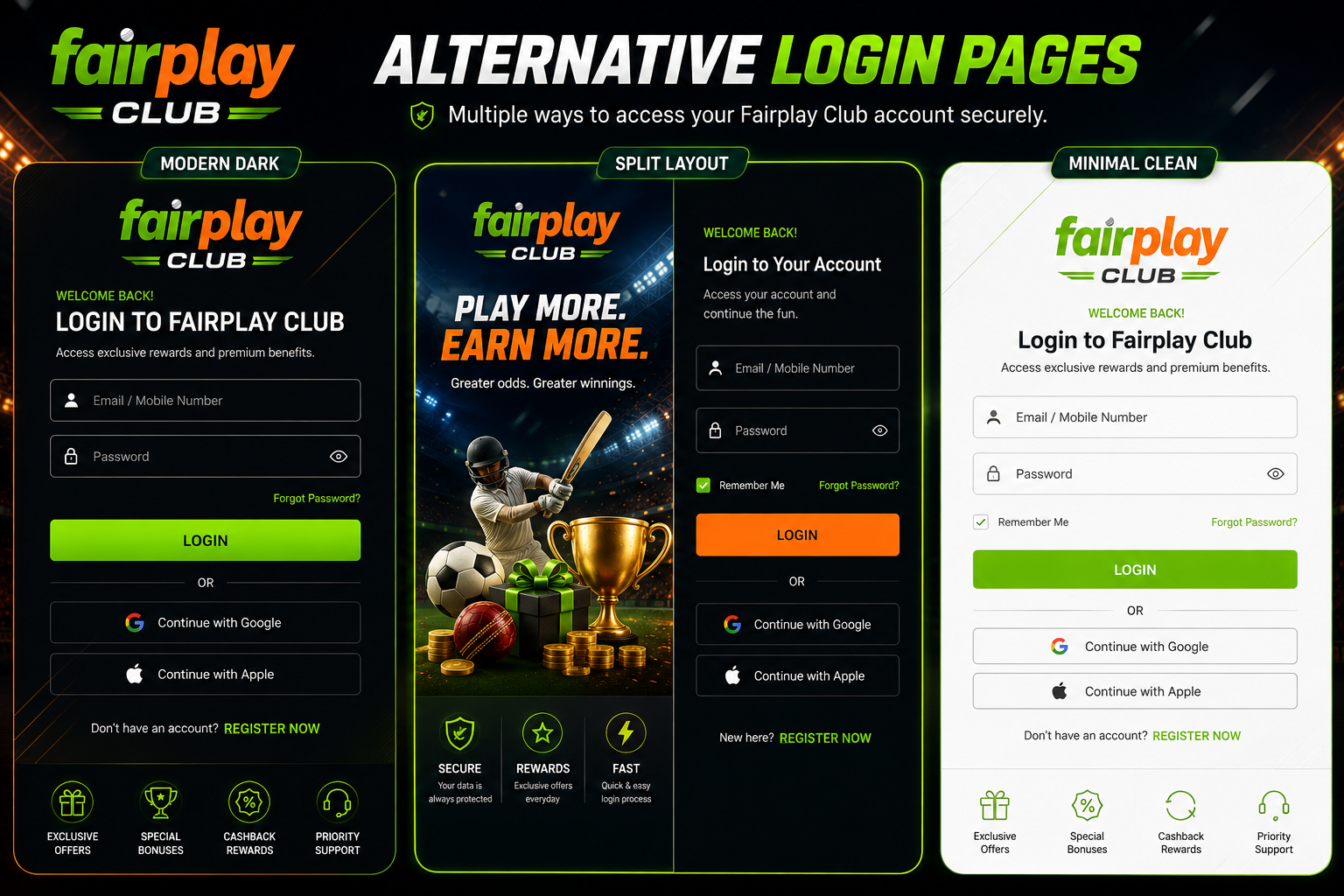
The expression Fairplay Club does not confirm the existence of a separate official account version, reserve cabinet or safe backup page. The same applies to phrases such as Fairplay Club 1, alternative Fairplay login or working Fairplay mirror.
An alternative page should not receive the credentials of the main account unless its connection with the intended platform has been confirmed.
Users should be especially careful when a page claims that:
- The main domain has permanently stopped working.
- A new login page must be used immediately.
- An account will be blocked without urgent verification.
- A password must be submitted to transfer the profile.
- A verification code is required in a private chat.
- An application must be installed from an unknown file.
Urgency is often used to prevent careful checking. A genuine account issue can be reviewed through verified support without handing control of the account to another person.
If the usual page is unavailable, the user should wait for confirmed information rather than trying several unfamiliar addresses with the same credentials.
Securing the Fairplay Club Login App
Mobile access can be convenient, but the application source should be verified before installation.
Before installing a Fairplay Club login app, check:
- The publisher name
- The application source
- The permissions requested
- The connection with the verified website
- The operating system requirements
- The update history
- Whether the account credentials are accepted securely
An application should not request permissions that appear unrelated to its functions. Access to messages, contacts, storage or accessibility services should be reviewed carefully.
Some Android applications can request permission to read incoming messages or detect verification codes. Automatic code entry can be convenient, but the user should understand what permission is being granted. The app should not receive broad message access without a clear reason.
On iPhone and iPad, verification codes may be suggested by the operating system keyboard without giving the application unrestricted access to all messages. The exact behaviour depends on the device, operating system and app design.
No universal Android or iOS version requirement should be stated for every Fairplay application. The current minimum version should be checked in the verified app listing or installation page.
Responding to Suspicious Account Activity
Suspicious activity may include unknown login alerts, unexpected password reset messages, changed profile details or balance movements that the account holder does not recognise.
A practical response sequence is:
- Stop using any unverified page.
- Open the account through the verified domain.
- Change the password immediately.
- Secure the connected email account.
- Review the registered phone number.
- Check recent login and account history.
- End other sessions when the option is available.
- Contact verified support.
- Save screenshots and reference numbers.
- Monitor linked financial accounts separately.
The email account connected with Fairplay may be as important as the Fairplay password. If an attacker can access the email account, password recovery messages may also be exposed.
Users should avoid discussing the incident publicly in a way that reveals the phone number, username or screenshots containing private account data.
Safe Login Checklist for India
Before each Fairplay Club login, confirm the following:
- The domain spelling is correct.
- No extra number or symbol has appeared.
- The connection is protected.
- The page came from a trusted source.
- The device is not shared or publicly accessible.
- The password is unique.
- No one has requested the password or code.
- The app source has been verified.
- The registered SIM remains under the user’s control.
- Unexpected alerts have been investigated.
This routine takes little time and can prevent a much longer account recovery process.